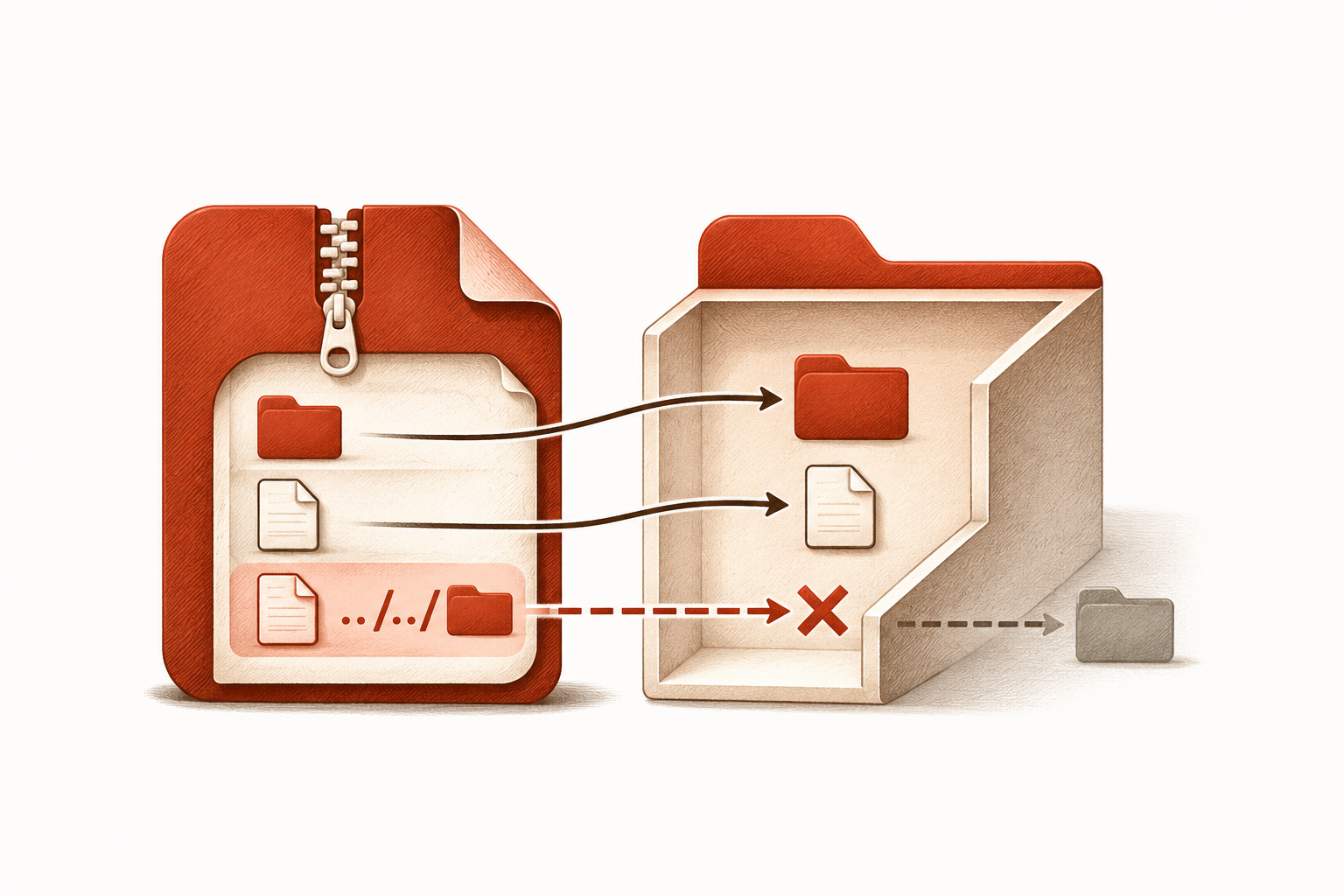
Suppose a supplier sends a ZIP containing a daily sales report and a note. The CSV fits your size limit and has the right name. Can the reporting job pick it up now? Only after the whole delivery passes. Otherwise a rejected note can leave an apparently valid report in tomorrow’s figures. Keep both files in a private working directory and give the reporting job access only when the batch is complete.
Decide what the importer is allowed to create
Our example expects exactly one reports/summary.csv and one notes.txt. The importer maps those two names to summary.csv and notes.txt in a new working directory that only this job can write to. It compares the complete list of member names, including how many times each occurs, before opening a member. A missing note, a duplicate report or an extra directory entry fails this particular delivery contract.
The supplier chooses the contents. The importer chooses both output paths. It opens each destination as a new, ordinary file and copies bytes into it. It does not recreate directories, permissions or links from the archive. With a service that genuinely needs arbitrary directory trees, the design changes. Define the permitted paths and entry types on the destination platform, check for collisions there, and prevent existing links or another writer from redirecting an operation. A check on the spelling of a name cannot freeze a shared directory.
One more byte changes the fate of both files
We ran four small, locally generated ZIPs through the same importer using CPython 3.14.2 on macOS. All contained ordinary text files compressed with Deflate. We used ZipFile.infolist() to inspect the names and ZipFile.open(member) to read each member in chunks of up to eight bytes. The importer allowed 32 expanded bytes for the two files together. That deliberately small budget makes the boundary easy to check by hand. Python supplied the byte stream. The importer enforced the limit.
The CSV was identical in every run. It contained day,total and mon,7, each followed by a single LF newline, for 16 ASCII bytes. The note also ended in one LF. In the first three runs only the name in the note’s contents changed.
| Note supplied | Expanded bytes read | Files handed off |
|---|---|---|
checked by sam |
16 + 15 = 31 | Both files |
checked by alex |
16 + 16 = 32 | Both files |
checked by robin |
16 + 17 = 33 | None |
Alex’s note named notes-old.txt |
0 | None |
In Robin’s run, 32 bytes had already reached the working directory when the reader returned the last byte of the note. The importer checked the new total before writing that byte, discarded the working directory and exposed neither file. In the fourth run the bytes would have fit. The unexpected filename stopped the import before the CSV was even opened. Logging these as separate reasons lets the supplier fix the right part of the delivery.
Where Python’s job ends
Python’s zipfile reference distinguishes the extraction methods, which write paths, from open(), which gives the caller a stream. A member’s declared size can help reject a delivery early. Counting the bytes returned on every read enforces the application’s output budget. Check the total before each write, carry it across members and read each accepted member to the end so a late read error also prevents handoff.
For this test the reporting job had one pickup directory. A successful import renamed the completed staging directory into that location on the same filesystem. On rejection, Python’s TemporaryDirectory removed the private work on leaving its context. In a service, give each delivery its own identity, decide how a retry handles a batch already picked up, and clean up abandoned staging directories after a worker crash.
Use the result to review your own importer
Try this decision first. Your batch has a 32-byte allowance. The first file used 16 bytes, and the second used 16 before returning one more byte. How many files should appear in the pickup directory? Zero. If a consumer can already see the CSV, the fix belongs at the handoff between the importer and its consumer. Changing the per-file limit will still let a partial batch through.
Choose production limits from the report sizes and member counts you actually accept. Bound the upload before opening the ZIP, and separately bound expanded output, CPU time and working storage. The four runs tested batch visibility and a byte boundary. They did not test malicious archives, host isolation, crash recovery or whether the CSV values make business sense. If that last check is part of acceptance, parse and validate the staged CSV before releasing it. For a worker that handles other untrusted inputs, our guide to process isolation explains how to decide what the process may reach.