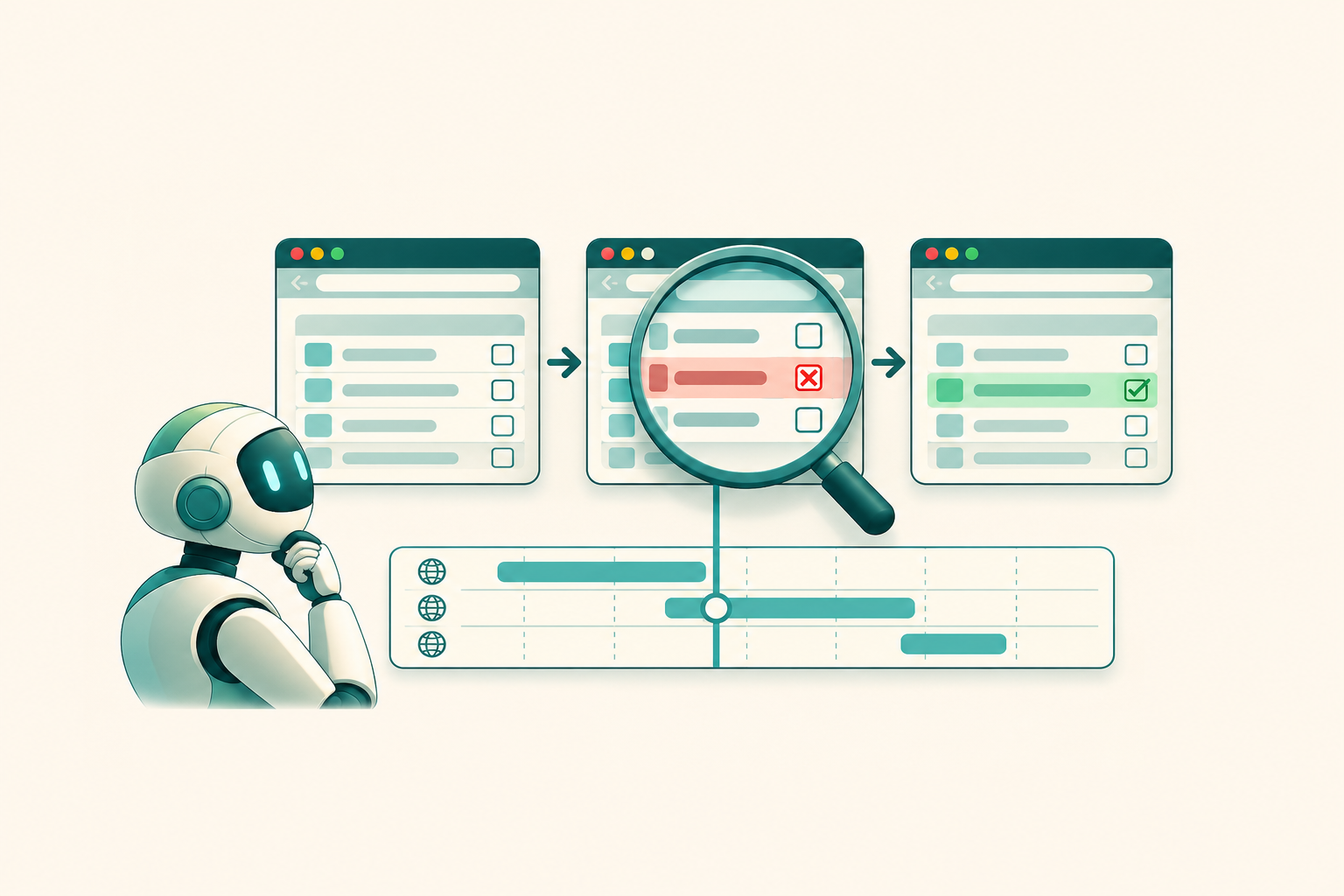
A Playwright trace can help explain why a browser agent reported that a workflow finished when the desired state never changed. Start with the exact action and its target, then correlate the before-and-after snapshots with network and persisted application state. A successful click tells you that an interaction happened. The saved record needs evidence of its own.
Choose a trace that can answer the question
Record the run in a Playwright-controlled session with tracing configured before the relevant interaction. Trace collection and the fields available depend on how the browser is instrumented. An agent that uses a separate native control path does not automatically produce a Playwright action record. Trace viewer explains what the viewer exposes for actions, snapshots, network requests and errors.
Give a run a short synthetic task with a unique expected object. In an example fixture, change the display name of workspace Atlas to Atlas Review while an adjacent workspace, Atlas Archive, must remain unchanged. A success criterion tied only to a visible toast would accept several wrong outcomes.
Start with the action
Open the action timeline near the click on the settings control. Identify its locator and the DOM snapshot for that step. Inspect the row containing the target at the time of the action. An imprecise locator can select Atlas Archive. A later confirmation could be perfectly genuine and the intended task would still fail.
In the second failure, the click targeted Atlas correctly. A local validation message or a failed network request prevented the update. Look for a request associated with the interaction, inspect status and safe response fields, and compare the application's actual state with the intended change. A missing request is a clue about where to look. Client logic can stop submission before any request exists.
Two saves, two different records
We recorded two Playwright runs against a directory with two workspaces. Both rows had a display-name field and a Save button. Atlas Archive came first. Each run started with the original names in a fresh browser context. The task was to rename Atlas to Atlas Review and preserve its neighbor.
const row = page.getByRole('region', { name: 'atlas', exact: true });
await row.getByRole('textbox').fill('Atlas Review');
await row.getByRole('button', { name: 'Save' }).click();
await page.reload();| Locator scope | Message | Atlas row | Archive row |
|---|---|---|---|
| First region | Saved | Atlas | Atlas Review |
| Region named atlas | Saved | Atlas Review | Atlas Archive |
In the first trace, the fill and click used region index zero. In the second, both actions used the region named atlas. The trace identifies the selected row. Reading both names after reload establishes the effect. This fixture stored names in the browser. For a service-backed update, read the authoritative record before reporting the outcome.
Clean up the contract and the check
Scope the action to a unique role and object identity rather than taking the first matching element. Assert the user-visible result that matters after reloading or reading from a trusted source. For the example, check Atlas has the expected display name and Atlas Archive kept its original name. If a readback fails after submission, identify the outcome as uncertain until there is evidence about the write.
The browser versus API integration guide helps decide when a browser is the useful integration surface. Trace analysis applies after a browser path has been chosen and properly instrumented.
Keep evidence safe to inspect
Screenshots, DOM snapshots and network bodies can include credentials and personal data. Reproduce with synthetic accounts and store any diagnostic traces in approved custody. Share targeted, redacted observations instead of a complete trace from production. The two recorded clicks used Playwright directly. The separate network-failure scenario is illustrative.