When a Kubernetes node drain stalls, check whether the eviction of a specific pod would take its workload below the availability allowed by a PodDisruptionBudget. A blocked eviction can be the intended result of a protection that is working. Find the pod, the budget that selects it, and the reason no further disruption is currently allowed.
Follow the eviction from the node
A normal drain cordons the node and evicts eligible pods so replacements can run elsewhere. The Eviction API can refuse an eviction when a budget would be violated. A PDB constrains voluntary evictions through that API. An outage can still remove pods, and a workload controller's rollout strategy has its own controls. Specifying a Disruption Budget for your Application describes the budget selector, the threshold and the policy for unhealthy pods.
Start by identifying the refusal in the drain output. Then inspect the PDB and pod statuses.
kubectl get pdb -n checkout
kubectl describe pdb -n checkout checkout
kubectl get pods -n checkout -l app=checkout -o wide
These are illustrative read commands. In your own cluster, verify namespace, owner and selectors before any action.
Walk through a simple budget
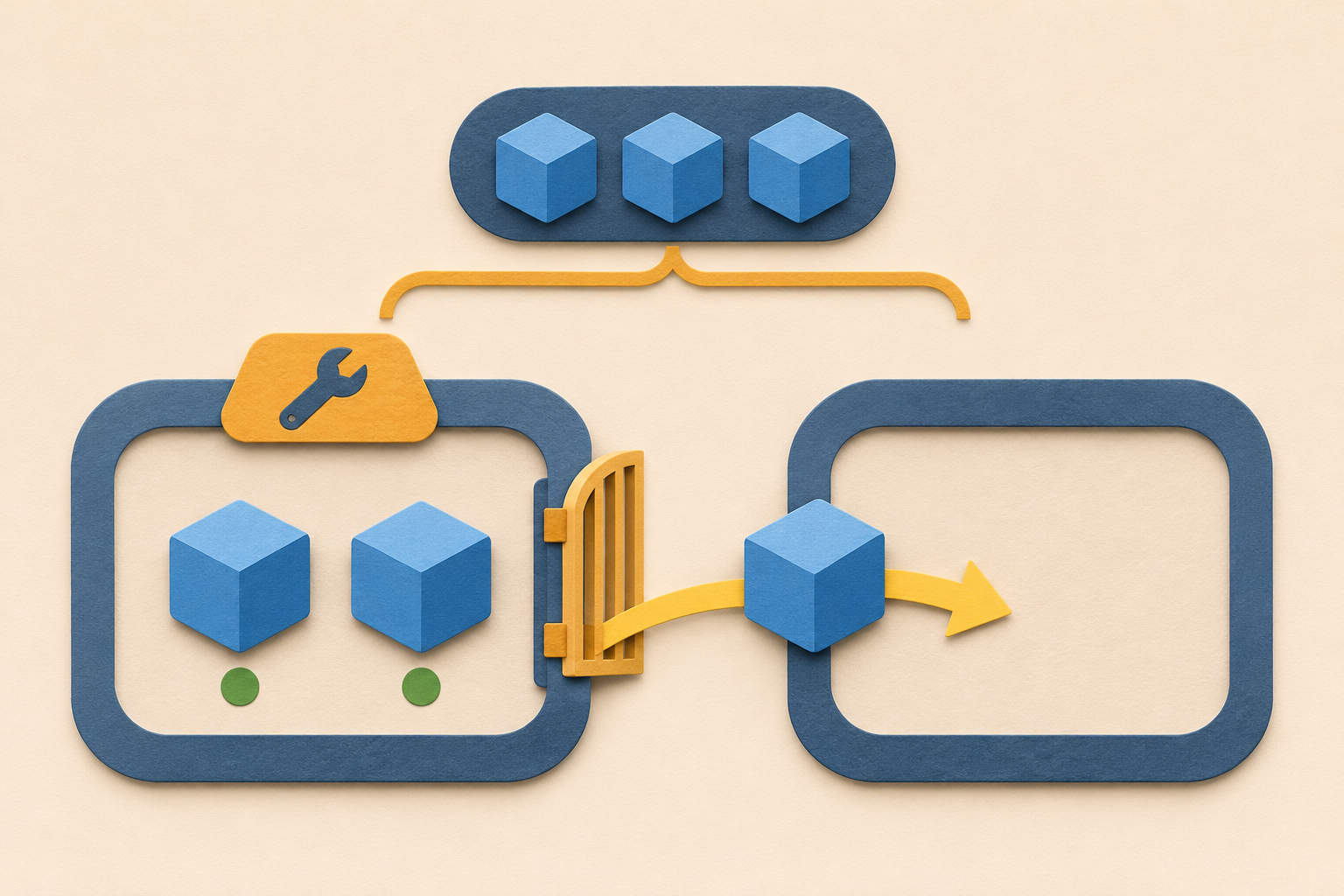
Consider three healthy checkout replicas and a minimum of two available. Evicting one can be allowed. If a second eviction would leave only one available, it can be denied until a replacement becomes ready. A drain waiting at that point may reveal a separate scheduling problem, such as no capacity on other nodes or affinity that prevents the replacement from landing.
The budget status exposes how many disruptions are currently allowed. Treat it as a snapshot. Readiness and other evictions can change the value before the next request. If the budget does not match the workload you expected, inspect the selector in the same namespace before adjusting the threshold.
Read the budget across three snapshots
Suppose the checkout Deployment has three replicas on different nodes. One PDB selects those pods and sets minAvailable to the integer 2. No rollout or other eviction is in progress. The rows below are worked snapshots after the disruption controller has observed each change.
| Event | currentHealthy | desiredHealthy | disruptionsAllowed |
|---|---|---|---|
| Before the first eviction | 3 | 2 | 1 |
| Eviction complete, replacement Pending | 2 | 2 | 0 |
| Replacement Ready, status reconciled | 3 | 2 | 1 |
At the middle row, a second healthy pod is still on a node awaiting maintenance. Inspect the Pending replacement’s scheduling events for a placement constraint. If it has been scheduled and is running but still unready, follow the readiness probe guide to find what must recover. Once the replacement is Ready, reread the PDB. An older status may still show zero. Even a fresh allowance can be consumed by another eviction before your next request.
Investigate the unready replica
With an unready pod, check its events and the controller's ability to replace it. The default unhealthy eviction policy can require the application to meet its budget before an unhealthy running pod may be evicted. The AlwaysAllow policy can let an unhealthy running pod be evicted even when that threshold is unmet. Read the policy semantics for the version in use and decide with the workload owner whether removing the unhealthy pod is appropriate.
The deployment strategy guide breaks down availability decisions during deployment. For a drain, the question is whether the cluster can move work off a node while meeting the workload's availability requirements.
Decide how to continue maintenance
Restore capacity or resolve the readiness failure when possible. If there is an actual conflict between the maintenance deadline and the availability requirement, record the affected workload and the tradeoff before any override. Avoid using direct deletion as a diagnostic shortcut. Confirm the replacement is available and observe the budget again before advancing to the next node.